 ▶ Play featured single
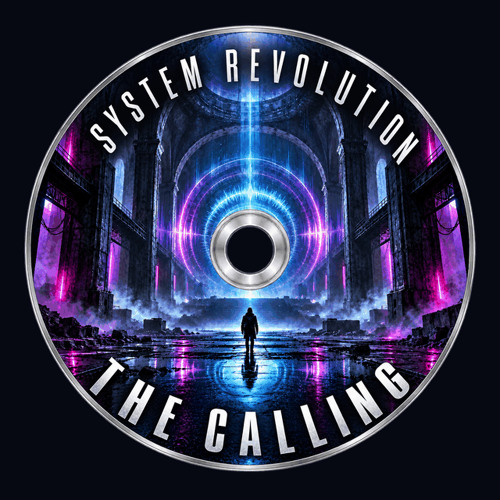
The
Calling
Punchy kicks, a haunting synth line, metallic percussion and hard-hitting energy.
 SYSTEM

Manchester · United Kingdom
Underground electronic music and original production tools. Made in Manchester. Explore the releases, try our plugins and help shape what comes next.
Selected transmissions
▶ Play featured single
Punchy kicks, a haunting synth line, metallic percussion and hard-hitting energy.
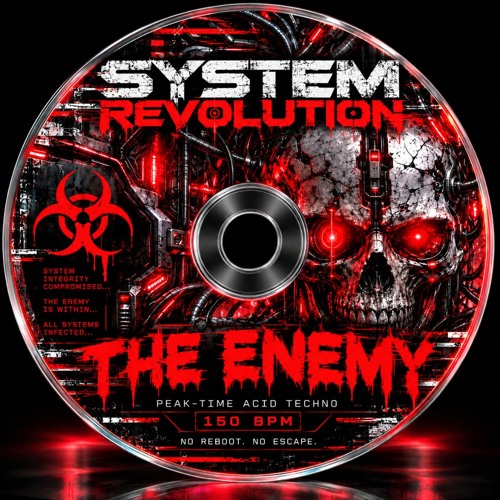 ▶
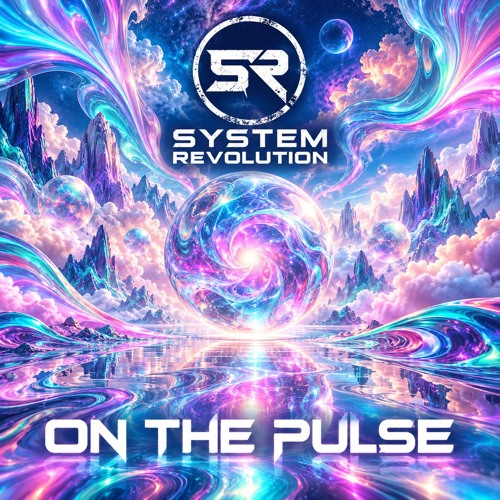 ▶
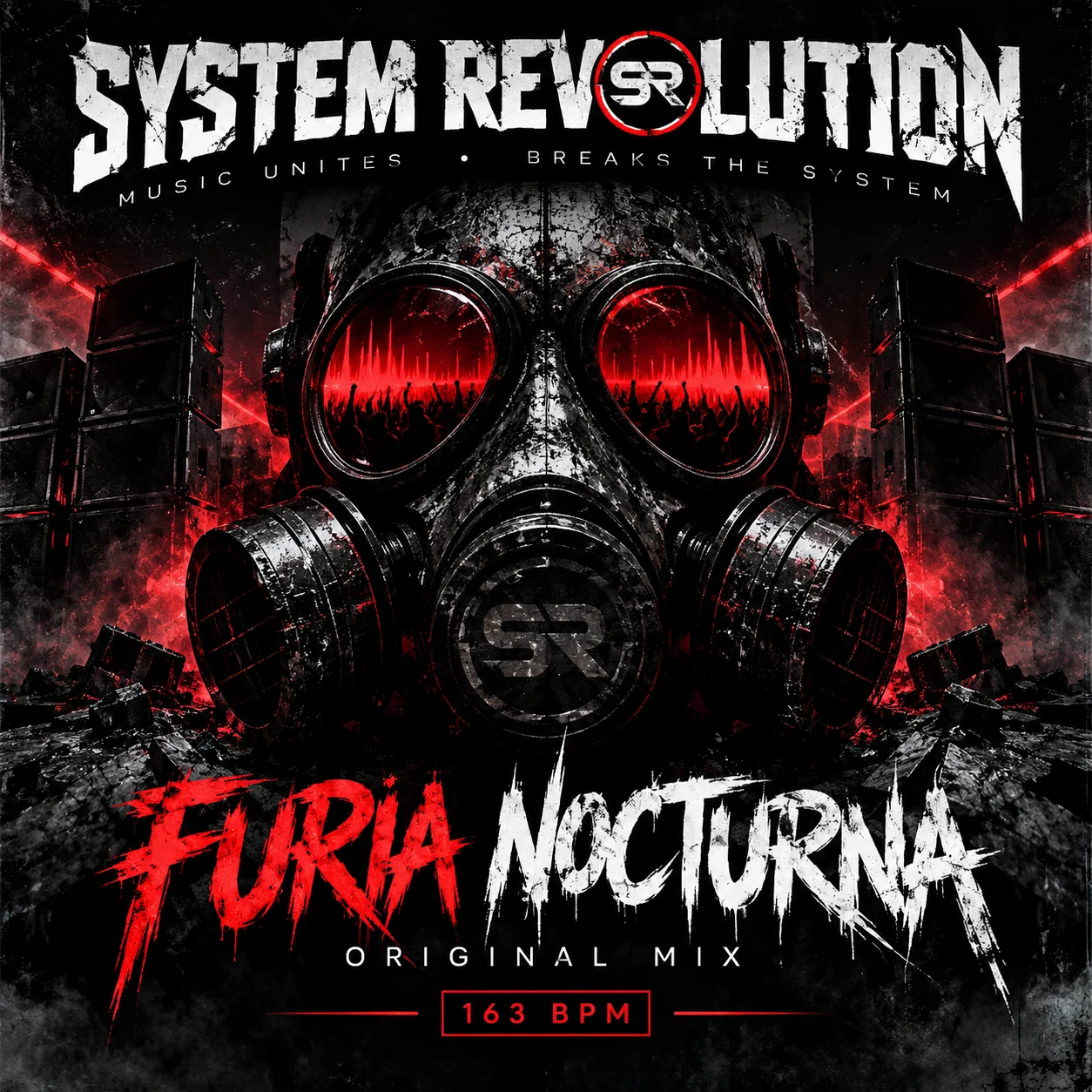 ▶
 ▶
 ▶
 ▶
 ▶
SR audio tools
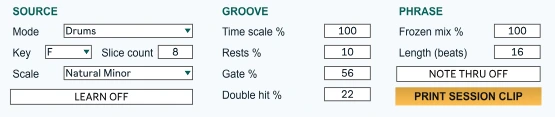
Generate riffs, drum grooves and break chops.
Choose a key and scale for melodies, drive a Drum Rack, or rearrange a break in Simpler. Randomize the pattern, then use Frozen Mix to hold a phrase you like.
Download SR Flux freeZIP with an AMXD device and quick-start guide. Requires Ableton Live with Max for Live.
Try our music software in your own sessions. Report bugs, share ideas and help us make better production tools.
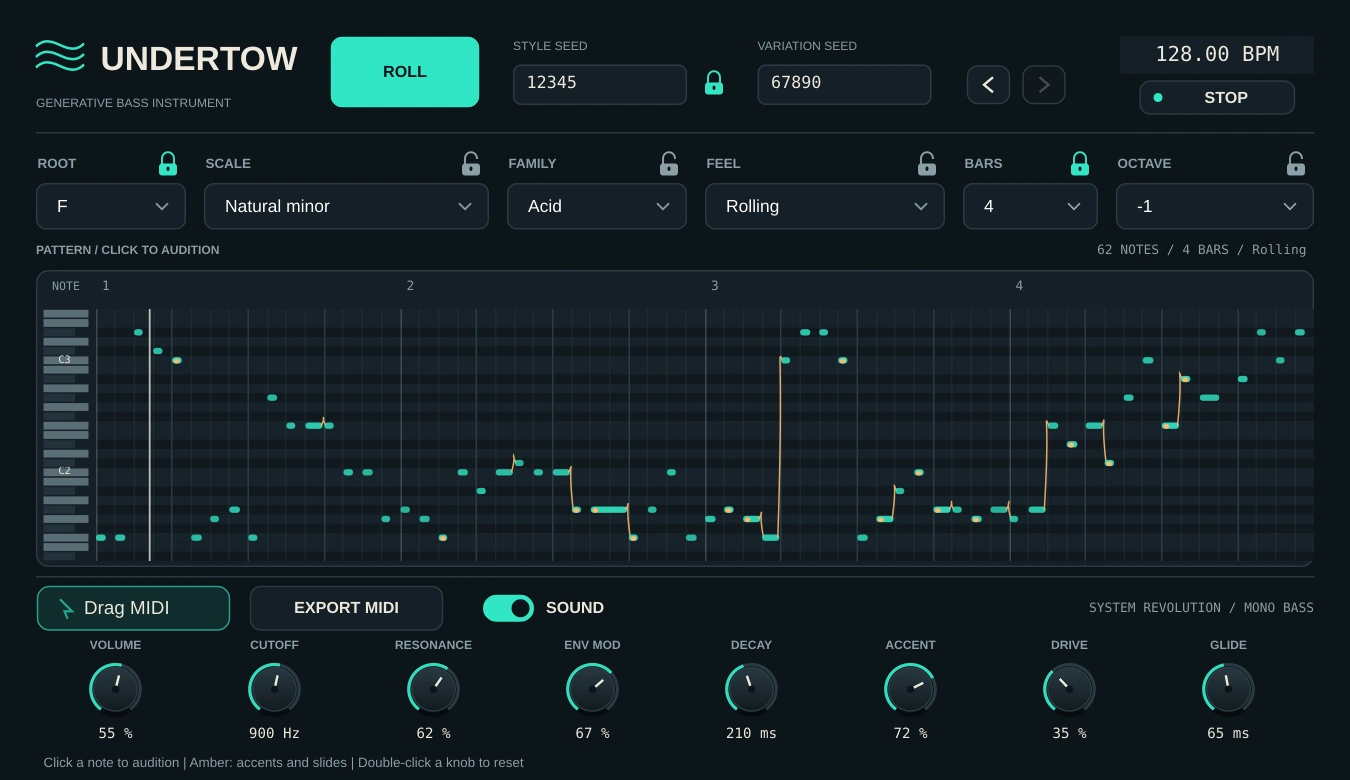
Roll a bassline. Make it yours.
A generative bass instrument with a built-in synth and MIDI export. Find a pattern, lock the parts you like, and keep the ideas moving.
Free beta download · EXE, 5.5 MB · Windows x64 · VST3 + standalone · Optional CLAP
Unsigned beta build: Windows may show an unrecognized-app warning. Automated Windows and VST3 checks passed; compatibility with different DAWs, audio devices and displays is still being tested. Save your work and audition in a test project first. macOS is not included in this download.
Exported MIDI carries notes and velocities. Another synth needs its own legato/glide setup to reproduce slides.
Try generation, locks, pattern history, tempo changes, transport restarts, MIDI drag/export and project recall. Report stuck notes, timing jumps, loud bursts, crashes or display problems.
Include your Windows version, DAW, plugin format, audio interface, sample rate, buffer size, seed values and steps to reproduce the issue.
Opens your email app. You can also email markulyatt73@gmail.com.
Stop the track. Own the drop.
An automation-driven tape-stop effect for dramatic slowdowns, pitch dives and looping transitions. Try it in your sessions and help shape the next build.
Free beta download · ZIP, 6.0 MB · VST3 + standalone installer
Beta test build: unsigned installer; Windows may show an unrecognized-app warning. Automated Windows checks passed, but DAW, audio-device and display compatibility are still being tested. Save your work and use a test project first.
The standalone needs a live audio input; it does not play audio files. This download is for Windows x64. A macOS download is not included in this beta.
Try all three modes, automation, playback recovery, saving and reopening a project, offline rendering and different buffer sizes. Report clicks, timing issues, unexpected silence, crashes or display problems.
Include your Windows version, DAW version, audio interface, sample rate, buffer size and steps to reproduce the issue.
Opens your email app. You can also email markulyatt73@gmail.com.
A focused mixing chain with grouped vertical faders, factory presets, desktop app and VST3 workflow.
Enquire about RiftFader ↗Standalone mastering software with platform presets, audio analysis, waveform monitoring and WAV export.
Ask about NeonForge ↗A bright dual-layer synth concept with a fast browser, performance controls and genre-focused MIDI tools.
Register interest ↗Direct support
Choose a release and request a high-quality download directly from System Revolution. Price, payment and file format are arranged by email.
Digital tracks · Direct from the artist04 · The signal
System Revolution is a Manchester electronic music project built around raw drums, distorted bass, acid movement and the freedom of underground dance culture.
Moving between hard techno, bouncy techno and hardcore techno, every track is made for loud systems and people who refuse to stand still.
Join the revolution
For music, collaborations, software and enquiries.
markulyatt73@gmail.com ↗07731 840213 ↗Manchester, United Kingdom